VisualBoyAdvance-M

VisualBoyAdvance-M (VBA-M) is a free, open-source emulator that allows users to play Game Boy, Game Boy Color, and Game Boy Advance games on Windows, Linux, and Android devices. As the actively maintained successor to VisualBoyAdvance, it offers enhanced compatibility, regular updates, and cross-platform support for nostalgic gaming experiences.
windows mac

Gallery

About VisualBoyAdvance-M

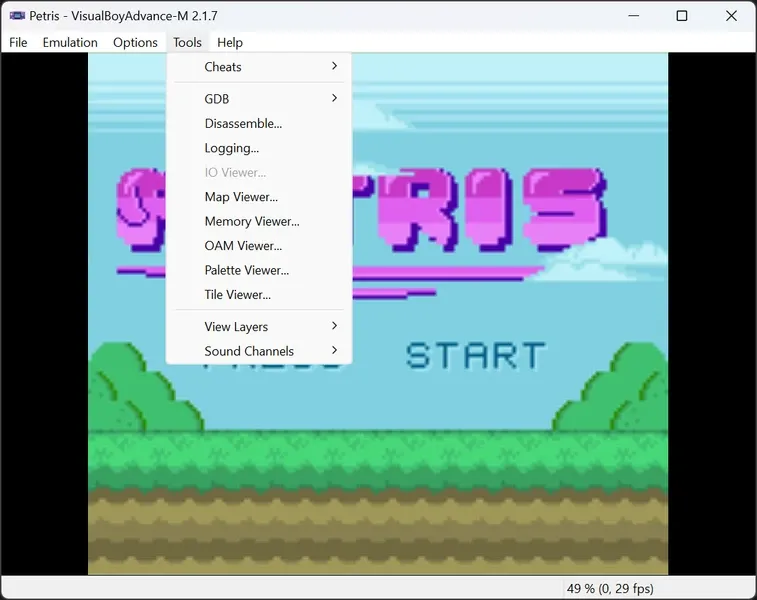
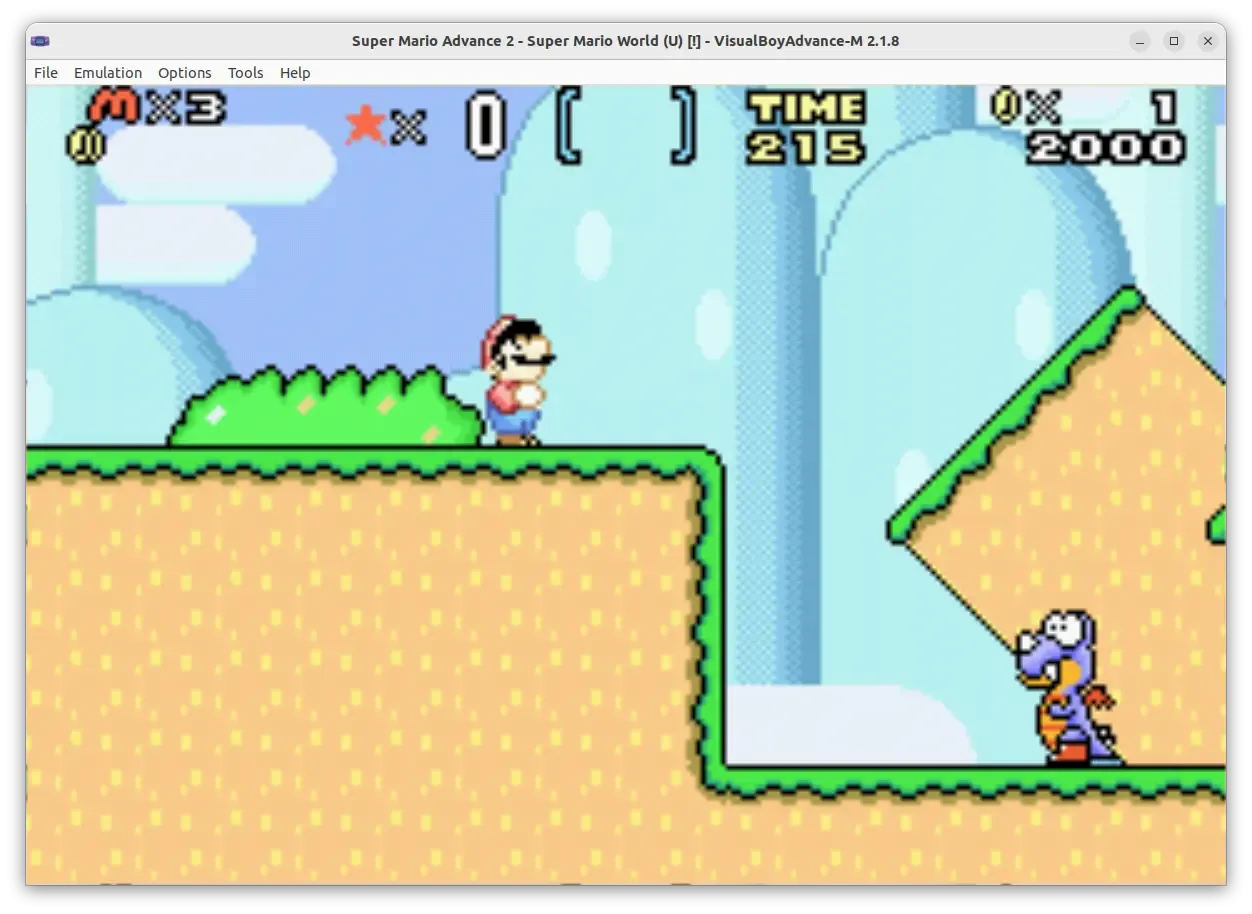
VisualBoyAdvance-M represents the continuing evolution of one of the most popular Game Boy Advance emulators available today. Originally derived from the VisualBoyAdvance project, this open-source emulator has become the definitive choice for playing classic Game Boy, Game Boy Color, and Game Boy Advance titles on modern computers and mobile devices. The "M" in its name signifies the merge of multiple forks from the original project, combining the best features and improvements into a single, cohesive package. The development team behind VisualBoyAdvance-M remains actively committed to improving the emulator through regular updates and bug fixes. Recent versions have introduced significant enhancements, including Android support through nightly builds, making it accessible on smartphones and tablets. This cross-platform availability ensures that whether you're using Windows, Linux, or Android, you can enjoy your favorite Game Boy Advance games with ease. One of VBA-M's strongest selling points is its emphasis on accuracy and compatibility. The emulator strives to replicate the original hardware behavior as closely as possible, ensuring that games run as they were intended to on the original devices. This attention to detail extends to sound reproduction, graphics rendering, and timing accuracy, creating an authentic retro gaming experience. The emulator includes a robust set of features designed to enhance gameplay beyond what was possible on original hardware. Players can utilize save states, allowing them to save their progress at any point in a game and resume from that exact moment later. This feature is particularly valuable for challenging games or for players who want to experiment without consequences. Additionally, VBA-M supports fast-forward functionality, enabling users to speed through repetitive sections of games, and slow-motion capabilities for precise platforming challenges. Visual enhancements represent another area where VBA-M excels. The emulator offers various graphics filters and scaling options that can improve the visual quality of games, smoothing out pixelated edges or adding scanline effects for a nostalgic CRT display appearance. Players can also customize the display size and aspect ratio to suit their preferences. Controller support is comprehensive, with VBA-M recognizing a wide range of gamepads and joysticks, allowing players to enjoy games with authentic controls. The emulator also supports cheat codes through various formats, giving players flexibility in how they approach games. System requirements for VisualBoyAdvance-M are remarkably modest, making it accessible even on older hardware. A minimum of 512MB of RAM is required, though 1GB is recommended for optimal performance. The emulator itself requires minimal storage space, with the application taking up only a few megabytes, though users will need additional space for game ROMs. The project's open-source nature means it benefits from community contributions and remains free to use. Developers regularly address bugs, improve compatibility, and add new features. Recent releases have focused on improving build stability, fixing shortcut configurations, and enhancing overall user experience. For those looking to relive the golden age of handheld gaming or discover classic titles for the first time, VisualBoyAdvance-M provides a reliable, feature-rich, and constantly improving platform that honors the legacy of Nintendo's iconic handheld systems while bringing them into the modern era.

Features

Emulates Game Boy, Game Boy Color, and Game Boy Advance
Supports Windows, Linux, and Android platforms
Provides save state functionality
Offers fast-forward and slow-motion options
Includes graphics filters and visual enhancements
Supports external controllers and gamepads
Features customizable display options
Maintains high compatibility with game titles
Receives regular updates and bug fixes
Open-source with active community development

System Requirements

Minimum Requirements

CPU

1 GHz or faster processor

Memory (RAM)

512 MB

Storage

50 MB available space

Write a Review

Reviews are moderated. Your review will be published after being approved by an administrator.

Have an account? Log in to post a review, or continue below with your name and email.

Share what you like or dislike about this emulator. Maximum 1000 characters.

Your email won't be published publicly.

Ratings & Reviews

No reviews yet

Be the first to review VisualBoyAdvance-M.

VisualBoyAdvance-M

Download VisualBoyAdvance-M

Get the latest version of VisualBoyAdvance-M and start using it right away.

Latest Version
2.2.3
Added
Jul 14, 2026
Download Now
16.0 MB
Free
Safe & Virus-Checked

Related Software

Dolphin logo

Dolphin

Dolphin is a free, open-source emulator that lets users play GameCube and Wii games on modern platforms like Windows, Linux, macOS, and Android. It enhances gaming with high-definition graphics, customizable controls, turbo speed, and online multiplayer, making it a top choice for retro gaming enthusiasts.

PCSX2 logo

PCSX2

PCSX2 is a free, open-source PlayStation 2 emulator for Windows, Linux, and macOS. It allows users to play PS2 games on PCs with enhanced graphics, save states, and customizable controls. Leveraging plugins and BIOS files, PCSX2 replicates the console’s hardware, offering improved resolution and performance. Popular among retro gamers, it preserves classic titles while modernizing the experience.

RPCS3 logo

RPCS3

RPCS3 is a free, open-source PlayStation 3 emulator enabling PC gamers to play PS3 titles on Windows, Linux, or macOS. It leverages advanced techniques like dynamic recompilation and Vulkan rendering to replicate the PS3’s complex Cell architecture. With growing compatibility, save states, and controller support, RPCS3 revitalizes classic games like Demon’s Souls and Persona 5 for modern hardware.

PPSSPP logo

PPSSPP

PPSSPP is a free, open-source PSP emulator enabling high-definition gameplay of PlayStation Portable games on PC, mobile, and consoles. It enhances graphics, supports save states, and offers cross-platform compatibility. Ideal for retro gaming enthusiasts, it revitalizes classic titles with modern features like controller support and multiplayer modes.

Yuzu logo

Yuzu

Yuzu is a free, open-source Nintendo Switch emulator for Windows, Linux, and Android. It enables users to play Switch games on non-Nintendo hardware with high compatibility and performance. Developed in C++, Yuzu supports resolution scaling, save states, and controller customization. Regular updates enhance game support and optimization, making it a leading choice for Switch emulation. Keywords: Nintendo Switch emulator, open-source, Yuzu, gaming, compatibility.